Essential CS2 Commands Every Player Should Know
As a player looking to enhance your skills in CS2, mastering essential commands can significantly improve your gameplay. Here are some fundamental commands that every player should be familiar with:
- bind: This command allows you to bind a key to a specific action, making it easier to execute moves swiftly.
- cl_righthand: This command is used to switch your weapon to the right or left hand, depending on your preference.
- net_graph: Display network information, helping you monitor your ping and performance during matches.
Additionally, understanding and utilizing console commands is crucial. Here are a few more commands that provide tactical advantages:
- sv_cheats 1: This enables cheat mode, often used in private games for practice.
- sv_gravity: Adjusts the gravity in the game, beneficial for map testing and creativity.
- mp_limitteams: A useful command for setting limits on teams to encourage balanced gameplay.
Counter-Strike is a highly popular first-person shooter game that emphasizes teamwork and strategy. Players can enhance their gaming experience by acquiring various skins and items, such as the Chroma Case, which offers unique cosmetic upgrades for weapons. The game's competitive scene draws millions of players and spectators worldwide, making it a staple in the esports community.
How to Customize Your CS2 Commands for Maximum Efficiency
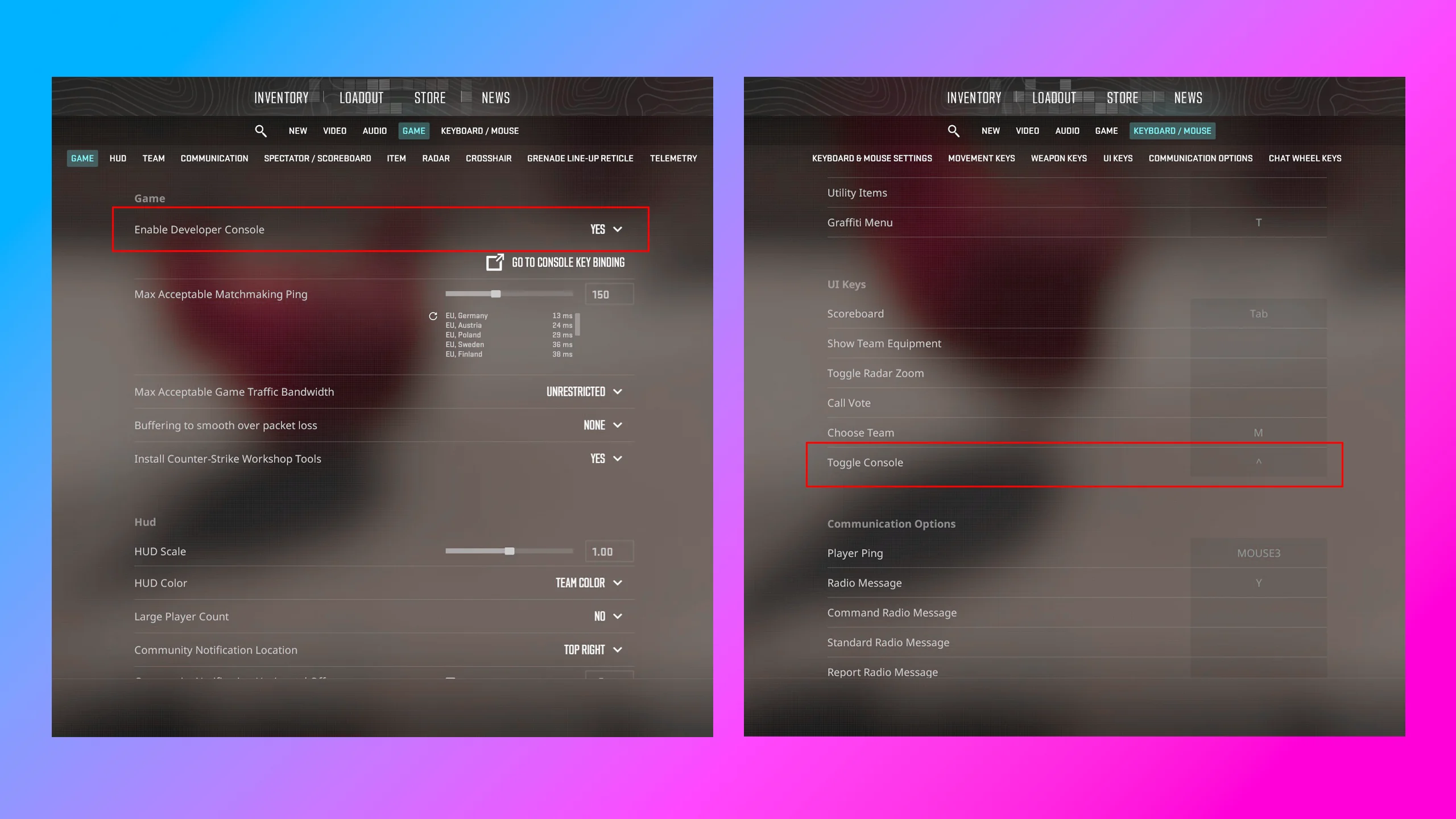
Customizing your CS2 commands can significantly enhance your gaming experience, allowing you to play more efficiently and effectively. Start by accessing the console in CS2, a tool that lets you input commands directly. To maximize efficiency, you'll want to identify which commands have the most impact on your gameplay. For instance, commands like bind can be tailored to assign specific actions to your keyboard keys, enabling quick responses in high-pressure situations. Additionally, using cl_righthand 1 can help you improve your visibility, allowing you to position your weapon for optimal aim.
Once you’ve familiarized yourself with the basic commands, consider creating a custom config file to save your personalized settings. This file can include your CS2 commands and key binds, ensuring they are loaded every time you start the game. To do this, follow these steps:
- Navigate to your CS2 directory.
- Create a new file named
autoexec.cfg. - Add your preferred commands within this file.
- Save and launch the game to see your changes in action.
Common CS2 Command Questions Answered: Boost Your Gameplay
As you dive into the world of Counter-Strike 2 (CS2), you may encounter several common command questions that can significantly enhance your gameplay experience. Understanding how to utilize CS2 commands effectively can lead you to become a more skilled player. Some of the most frequently asked questions include how to change your crosshair, adjust your sensitivity, and configure your keybinds. By mastering these commands, you create a personalized setup that fits your playstyle, thereby improving your overall performance.
To address these queries, we recommend exploring the following commands that players often seek:
- cl_crosshairsize: Adjusts the size of your crosshair for better visibility.
- m_rawinput: Enables raw mouse input, helping you achieve more precise aim.
- bind: Allows you to assign specific actions to keys for improved efficiency in gameplay.